
 en
en

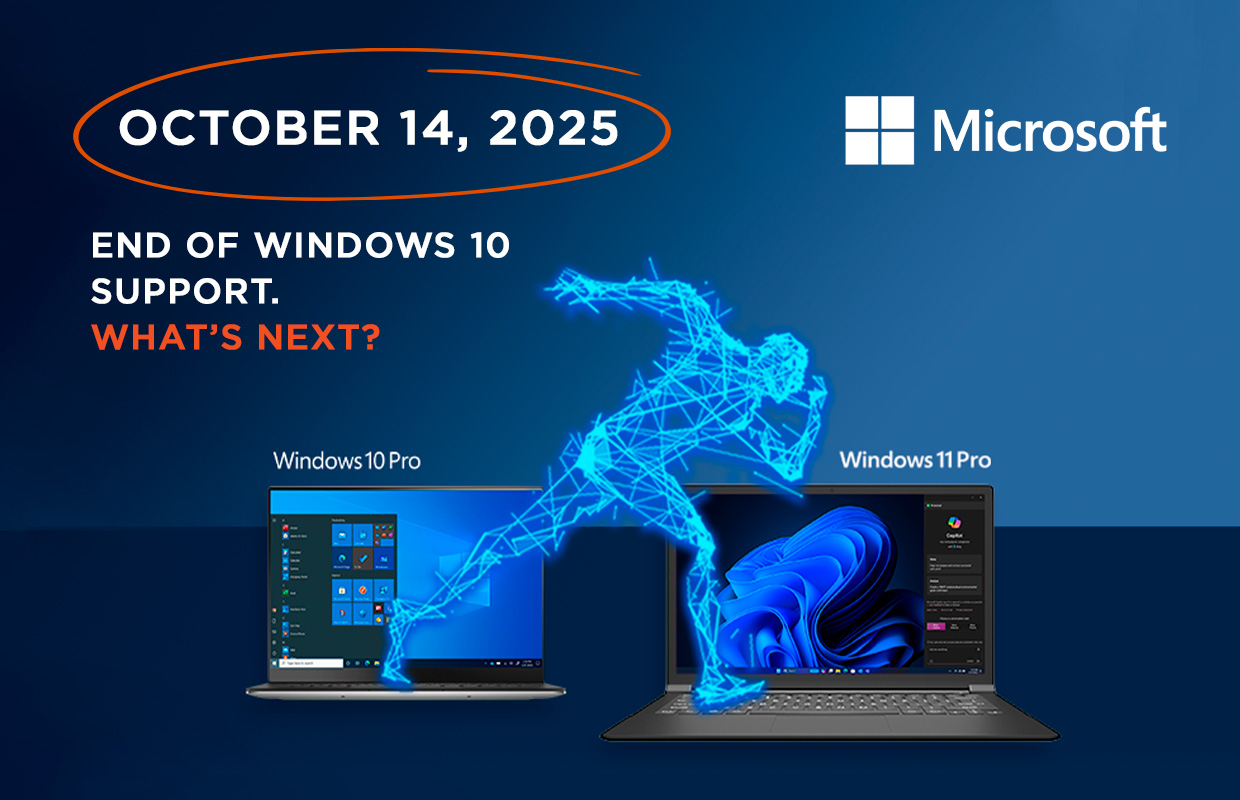
October 14, 2025 – End of Windows 10 Support: What’s Next?
Windows 10 has been a real success since its launch, thanks to its user-friendly interface and reliable performance, making it an optimal choice for both home and business use. However, despite all the advantages of this OS, its time is gradually coming to an end.
Although Windows 10 won’t disappear on October 14, 2025, continuing to use it will pose a direct security threat to your business. After this date, the system will no longer receive free security updates, significantly increasing the risks to your data and devices. Windows 11 Pro offers modern tools, enhanced security, and integration with new technologies, but transitioning to it requires resources and adaptation.
What are your options?
- Staying on Windows 10 – risky, especially for businesses.
- Purchasing extended support from Microsoft – provides an additional 3 years of security updates.
- Switching to another OS – a complex and costly solution for businesses.
- Upgrading hardware and migrating to Windows 11 Pro – the best long-term option.
Recommendations:
- Check PC compatibility using the PC Health Check App.
- Assess the risks and plan to replace critical systems by October 2025 if the budget allows.
- If some incompatible hardware cannot be replaced before October 2025, identify critical systems and prioritize their upgrade.
- If needed, contact partner service companies to assess asset life cycles and develop a transition plan.
In case of any questions, please contact: microsoft@erc.ua.
The full range of Windows 11 Pro products is available at ERC:
|
2E laptops with preinstalled OS |
2E PC with preinstalled OS | OEM (licenses for system builders) and GGK (Get Genuine Kit) | ESD (electronic license key) | CSP Perpetual (legalization and upgrade packages) |
FPP (boxed versions) |
| Custom configuration available for commercial and educational sectors |
|
FQC-10572 | DG7GMGF0L4TL-0003
|
|
|
Even if transitioning to Windows 11 Pro seems challenging, delaying the decision only increases business risks. The earlier you begin preparing, the smoother the transition will be.
For companies with limited budgets or complex infrastructure, it’s important to prioritize and identify critical systems for upgrade first. A gradual approach helps minimize costs and reduce strain on the team. Also, don’t forget about staff training – preparing users for the new OS will help avoid downtime and reduce stress from the changes.
Don’t postpone your move to Windows 11 Pro – start acting today!

