
 en
en

How to Run Windows Applications on a Mac Without Disrupting Your Workflow?
Some Ukrainian companies that are upgrading their hardware to modern Macs powered by Apple Silicon processors (M1, M2, M3, and M4 series) face a common challenge: legacy business software that is only available for Windows. Accounting applications, specialized client-banking systems, reporting software, local databases, and older ERP solutions often do not have native versions for macOS.
Despite the advantages of Apple devices, including reliability, energy efficiency—which is especially important during periods of unstable power supply—and long service life, local business IT infrastructure still has its own requirements, including:
- Specialized reporting software: Ukrainian applications used for reporting and electronic document management, such as M.E.Doc or the cloud-based SOTA platform, are available in Ukraine but may require Windows components or Edge-compatible plug-ins to work with qualified electronic signatures (QES).
- Token drivers: Secure storage devices used for tax and electronic signature keys, including hardware USB tokens such as Almaz-1K or Crystal, often require Windows drivers for proper initialization and configuration.
- Migration from banned software: Following the official ban on Russian software products, including 1C and BAS solutions, many Ukrainian companies have moved to local platforms such as Master:Bukhhalteriia, Dilovod, and Bimp, or to international systems such as SAP, Microsoft Dynamics, and Odoo. During this transition period, businesses often need to run legacy Windows environments in parallel to verify historical databases and archived data.
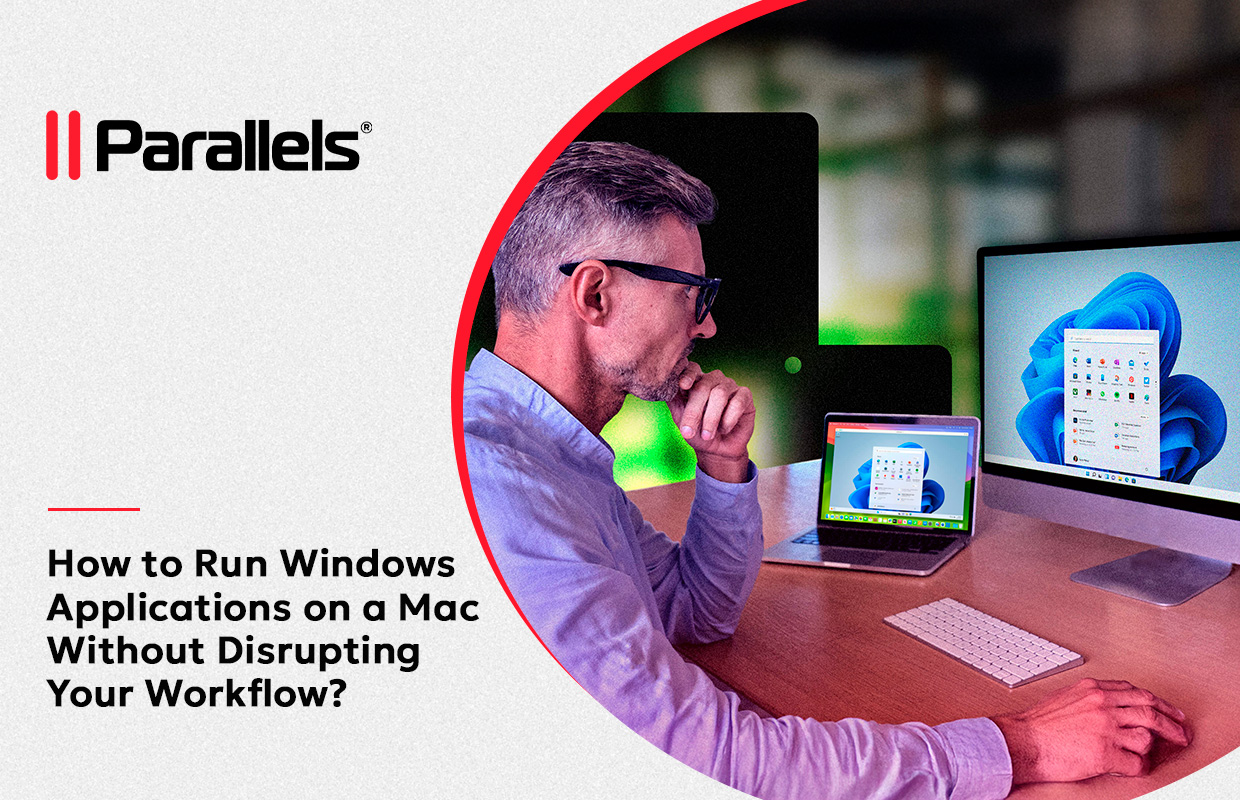
Buying separate Windows PCs just for these tasks is both expensive and inconvenient. Fortunately, in 2026, Parallels Desktop solves this problem almost seamlessly.
How Parallels Desktop Solves the Problem: Key Benefits
1. Coherence Mode
There is no need to see the Windows desktop. Applications such as M.E.Doc can run in separate windows directly within the macOS interface. They appear in the Dock, support Mac keyboard shortcuts, and allow users to copy and paste text or drag and drop files between the two operating systems.
2. Full Support for Ukrainian Digital Signatures and Tokens
Modern versions of Parallels Desktop offer improved USB device passthrough. When you connect a USB token, such as Almaz or Crystal, to your Mac, the virtual machine instantly recognizes it in Windows. This allows users to sign tax and customs documents without any issues.
3. Maximum Energy Efficiency
Because Parallels Desktop is optimized for ARM architecture (Apple Silicon), the virtual machine uses minimal power. MacBook users can maintain long battery life and continue working with Windows applications for hours, even during power outages.
Financial Benefits
For most companies, purchasing a Parallels Desktop license is significantly more cost-effective than buying and maintaining an additional Windows laptop for an accountant or a dedicated PC for testing purposes.
Why Is Parallels Desktop an Essential Tool for Developers?
While office users rely on Parallels Desktop to run reporting and business applications, for Ukrainian IT professionals and developers working on a Mac, it is a core development tool.
- Cross-platform testing: Developers building websites, applications, or enterprise software on a Mac can test their products in a real Windows environment with just a few clicks. This includes testing different browser versions and Windows-specific libraries.
- Running development tools: Some development environments, such as the full Windows version of Microsoft Visual Studio, SQL Server Management Studio (SSMS), and specialized programming tools for microcontrollers and industrial equipment, do not have equivalent macOS versions. Parallels allows developers to use these tools directly on a Mac.
- Docker and virtualization support: Parallels Desktop Pro and Business editions support Nested Virtualization, enabling developers to run complex containerized environments and Linux distributions alongside macOS.
Important!
Before deployment, make sure the Mac has at least 16 GB of unified memory (RAM), as part of the system resources will be allocated to Windows. For software developers or users working with large databases, 24 GB or 32 GB of RAM is recommended.
ERC offers standard ESD versions of Parallels Desktop licenses from stock, as well as Business editions available on request.
For more information, please contact: microsoft@erc.ua
Available Products:

